



Add a Database
To add a database, click the following button on the MySQL Database overview page:

The Input Fields
|
Database name |
This field is either filled in automatically by KeyHelp, or it can be customized. The server administrator decides which option is available to you. |
|
Username |
This field is either filled in automatically by KeyHelp, or it can be customized. The server administrator decides which option is available to you. |
|
Description |
In the description field, you can enter notes that will make it easier for you to differentiate between multiple databases. |
|
Password |
Select a desired password or generate a new one. |
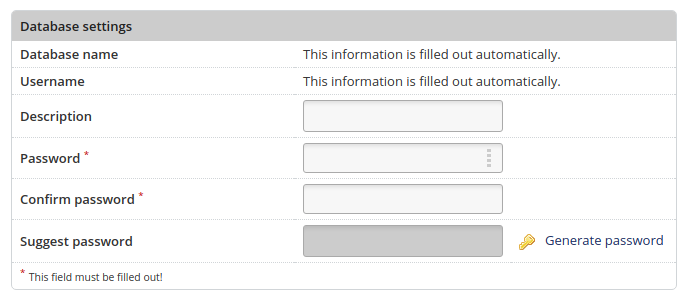
Creation of a database with automatically generated database and database user name
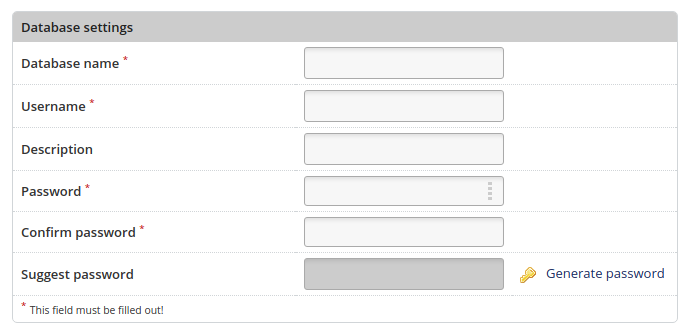
Creation of a database with custom database and database user name
To perform the creation the database, click the button:

The database is then displayed with the database user name, host, comment and database size.
Using this data you can log in to phpMyAdmin ( Link to the article ).
 Print Article
 Email Article to Friend
 Export to MS Word